Upload the person
Standing, facing the camera, with the area you are dressing fully visible.
Upload a person and a garment, and see that exact piece worn — print, logo and color kept as they are.
Start Creating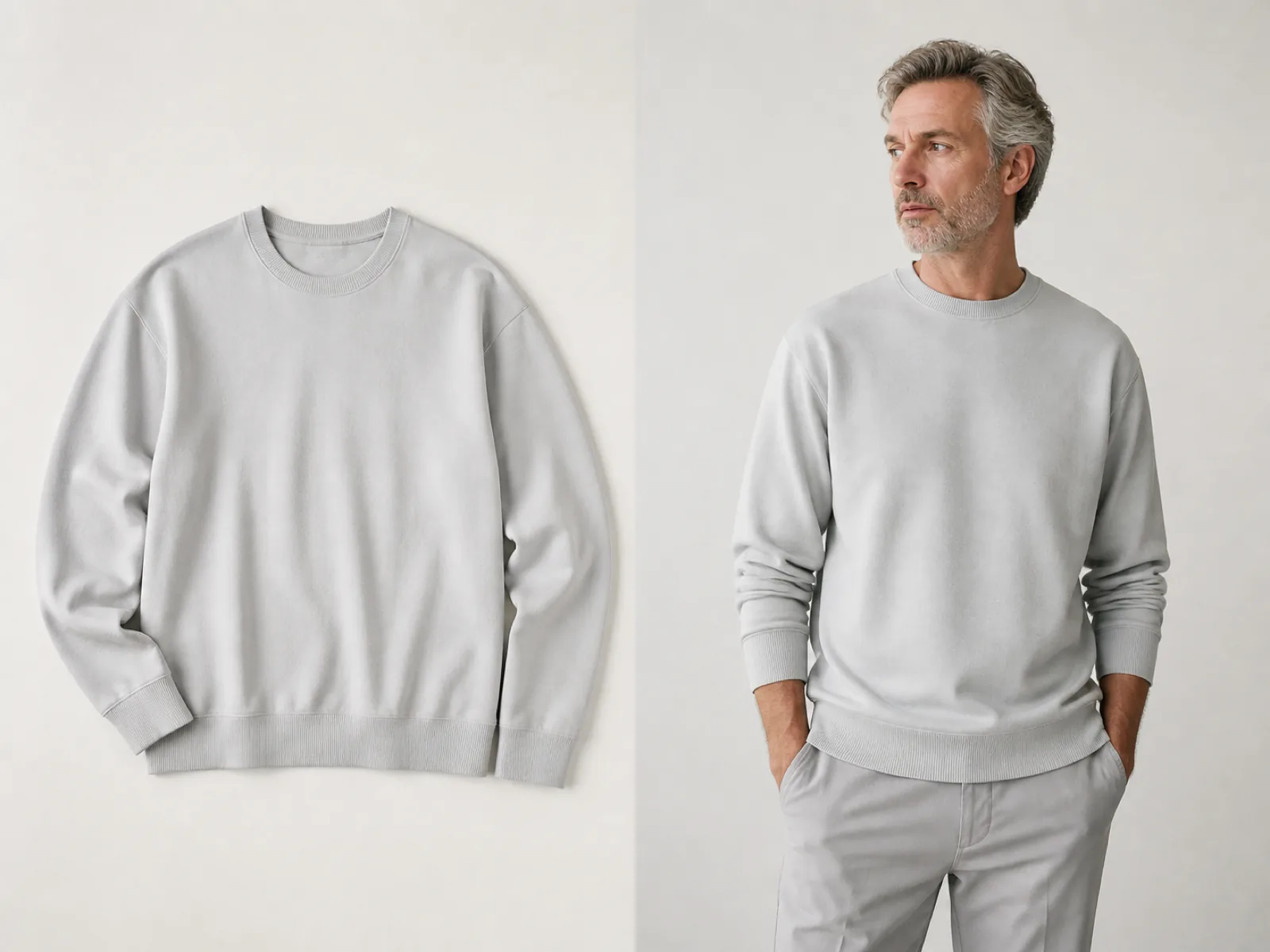
Changing clothes only needs a plausible garment. Try-on needs a specific one: the stripe spacing, the logo placement, the exact color of the product you uploaded, wrapped onto a body that stands at a different angle than the flat-lay it came from.
That is why this page runs a dedicated try-on model rather than a general image editor. It maps the garment onto the body, follows the pose, and keeps the print aligned instead of inventing a similar-looking pattern.
Standing, facing the camera, with the area you are dressing fully visible.
A clean product shot on a plain background beats one worn by another model.
Top, bottom, dress or full outfit, then regular, slim or oversized, and run.
Graphics stay where they belong on the garment instead of being redrawn as something similar.
The garment follows the body angle, shoulders and arm position in the photo.
Regular, slim and oversized change how the piece sits without changing the product.
Keep the person photo and swap the garment to build a whole catalog look.
Show a garment worn without booking a model for every SKU.
Let a customer see the piece on a body closer to their own.
Preview a full drop on one model before any sample is produced.
A flat lay or a product shot on a plain background, straight on, with the whole piece visible. A garment cropped or worn by another person is harder to map cleanly.
That is what this model is for, and with the preserve option on it holds print, logo and color. Very fine text on a garment can still soften when it wraps around the body.
No. Fit changes how the garment sits visually, but the result is not a measurement. Keep your size chart as the source of truth.
Face, hair and background stay from the person photo. Only the garment region is generated.
Yes. Keep the person photo loaded, swap the garment image and run again — each result stays in the history panel for comparison.
Upload a person and a product, and get a try-on image back.