Multiple models
Choose from different image models to get the look you want.
Type a description and turn it into a high-quality AI image in seconds. Multiple styles, sizes and models — all in one place.
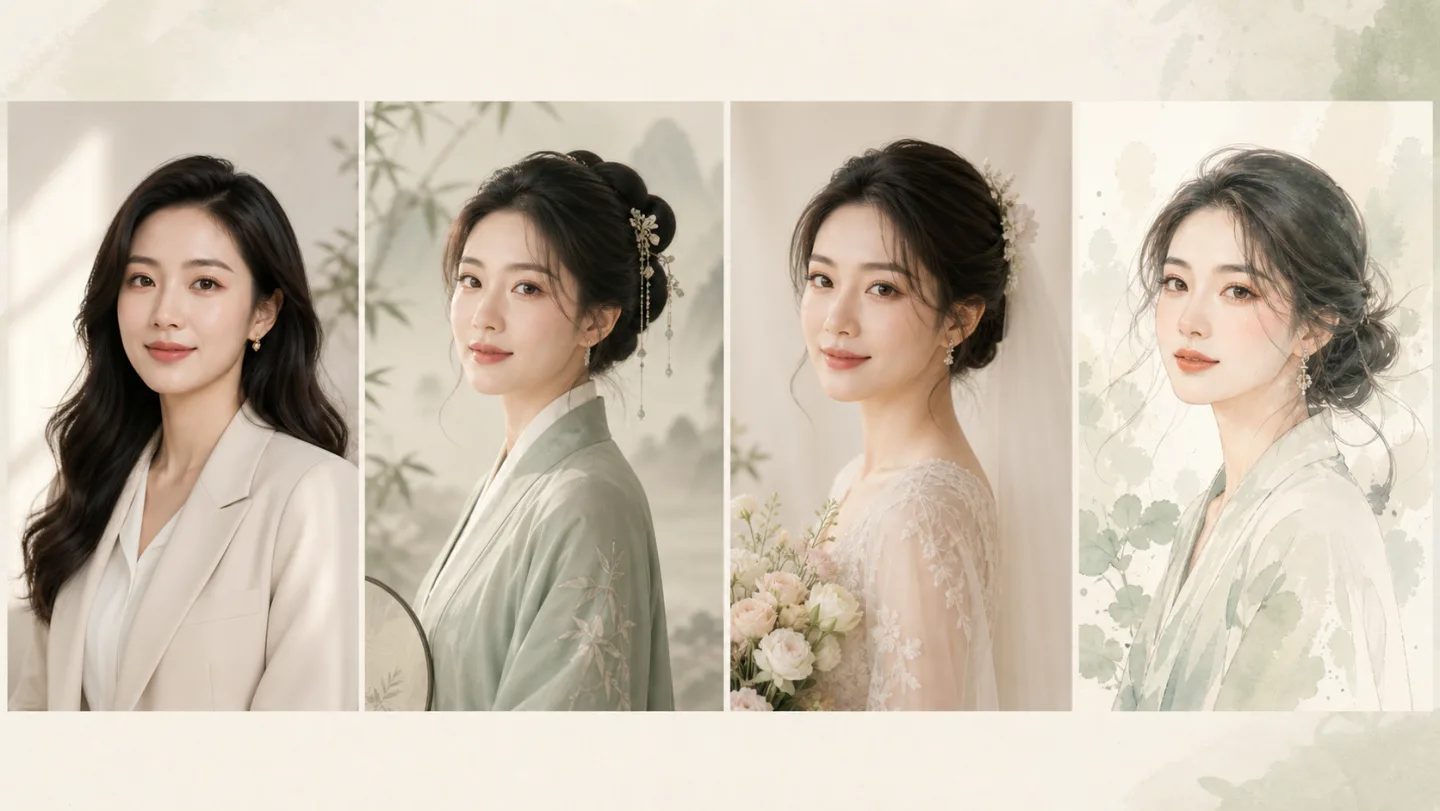
A text-to-image generator reads your description and creates an original picture from scratch. The model has learned what objects, scenes, styles and lighting look like, and it composes them into a new image that matches what you wrote.
The better your prompt, the closer the result. Be specific about subject, setting, lighting, mood and art style — and try several variations to find the one you want.
Choose from different image models to get the look you want.
Generate square, portrait, landscape and wide formats for any use case.
Write clear descriptions with specific details to get better results.
Most generations finish in under a minute with our standard model tier.
Write a clear prompt with subject, style, lighting and mood. More detail gives better results.
Choose an aspect ratio and a model that fits the style you are going for.
Run the generator, pick your favorite, and keep iterating until it is just right.
Generate character designs, environment concepts and illustration ideas in seconds.
Create original visuals for posts, stories, thumbnails and banners.
Mock up product shots, ad creatives and landing page hero images fast.
The more specific, the better. Include subject, setting, lighting, mood, art style and camera angle if you have them in mind.
We support square (1:1), portrait (3:4), landscape (4:3) and wide (16:9) formats.
Most generations finish in 30 to 90 seconds depending on the model and size.
Yes. You own the outputs you generate, subject to our terms of service.
Yes. A Google account is required to generate images. Sign up and get free daily credits.
Type a description and see what the AI can create. Free to try.