Upload the image
Screenshots, posters, product shots and photos of signs all work.
Take captions, labels or signage text off an image and rebuild the surface underneath.
Start Creating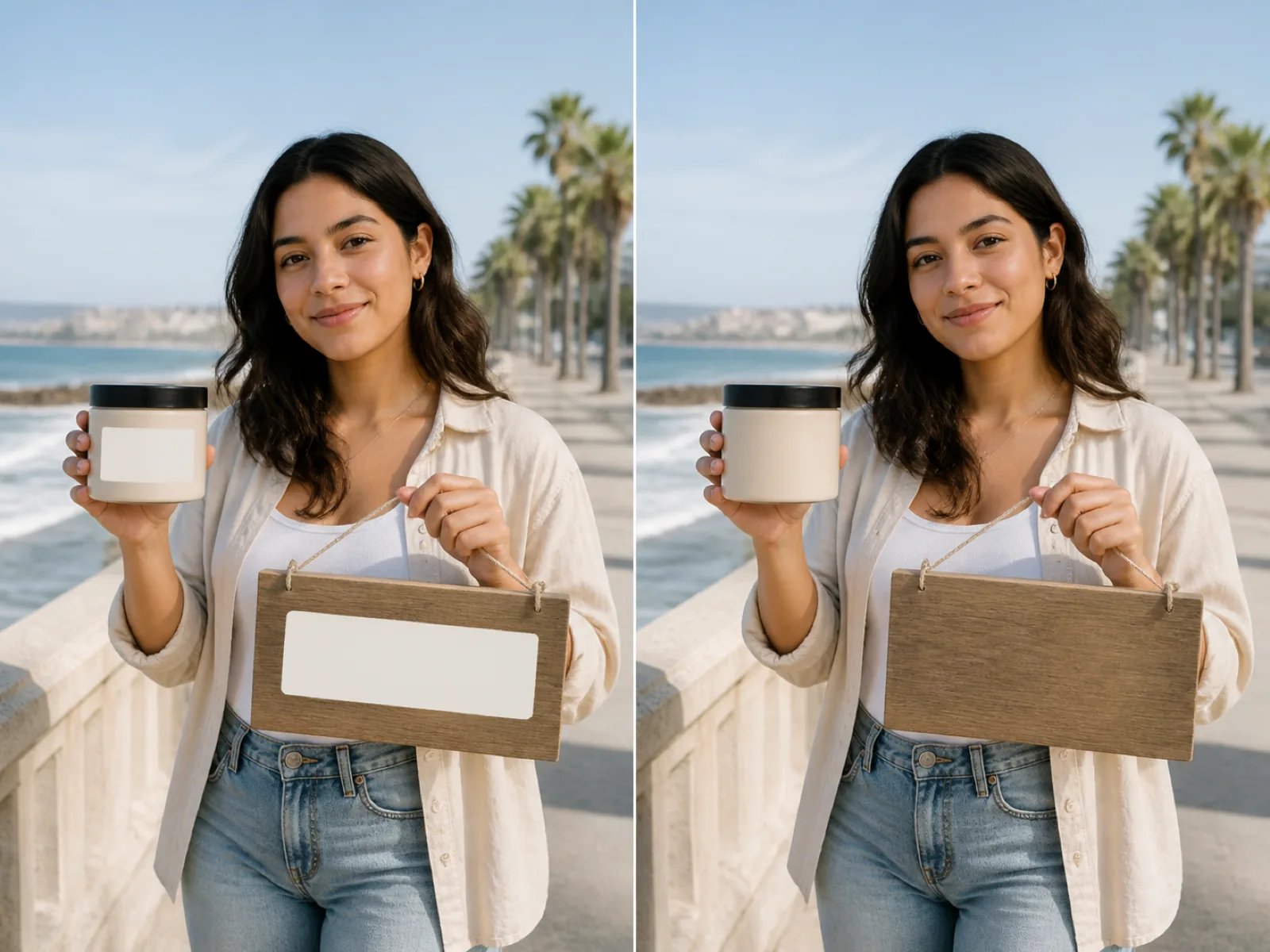
Text sits on top of a surface. Removing it means rebuilding that surface: a flat wall, a wooden table, a gradient sky. Detection finds the lines and boxes them, then the same rebuild that handles objects fills them in.
Flat and gently textured backgrounds come back perfectly. Text printed across a busy pattern, a face or fine detail is harder, because the model has to continue structure it can only infer from the edges of the box.
Screenshots, posters, product shots and photos of signs all work.
Every line comes back as a box. Deselect anything that should stay readable.
Check the edges of each box; brush over anything the detector clipped.
Each line of text is boxed separately, so you can keep one and drop another.
Wood grain, fabric and gradients are extended under the removed line instead of filled flat.
Irregular strokes are handled by the same rebuild once they are inside a marked area.
Anything detection misses — stylised logos, curved text — can be painted in by hand.
Strip the old copy off a banner or poster before new text is set on top.
Clear the source-language text so a translated version can be typeset in place.
Remove burned-in subtitles or channel bugs from a frame you want to reuse.
No. This page only removes text and rebuilds what was underneath. Set new text on top afterwards in your own design tool.
Detection is shape-based rather than dictionary-based, so scripts it cannot read still get boxed. Anything it misses can be painted over manually.
The box was tighter than the letters, usually because of a drop shadow or glow. Brush a little wider around the line and run again.
It will try. Text over a plain surface disappears; text over faces, patterns or fine detail leaves a patch that reads as reconstructed.
Detection boxes are rectangular, so curved and steeply angled text is best marked with the brush, which follows any shape.
Upload the image, detect the lines and rebuild the surface underneath.