Upload both photos
Target first — that is the scene, pose and lighting you are keeping.
Move a face from one photo into another, choose which face gets replaced, and match the lighting so it sits properly.
Start Creating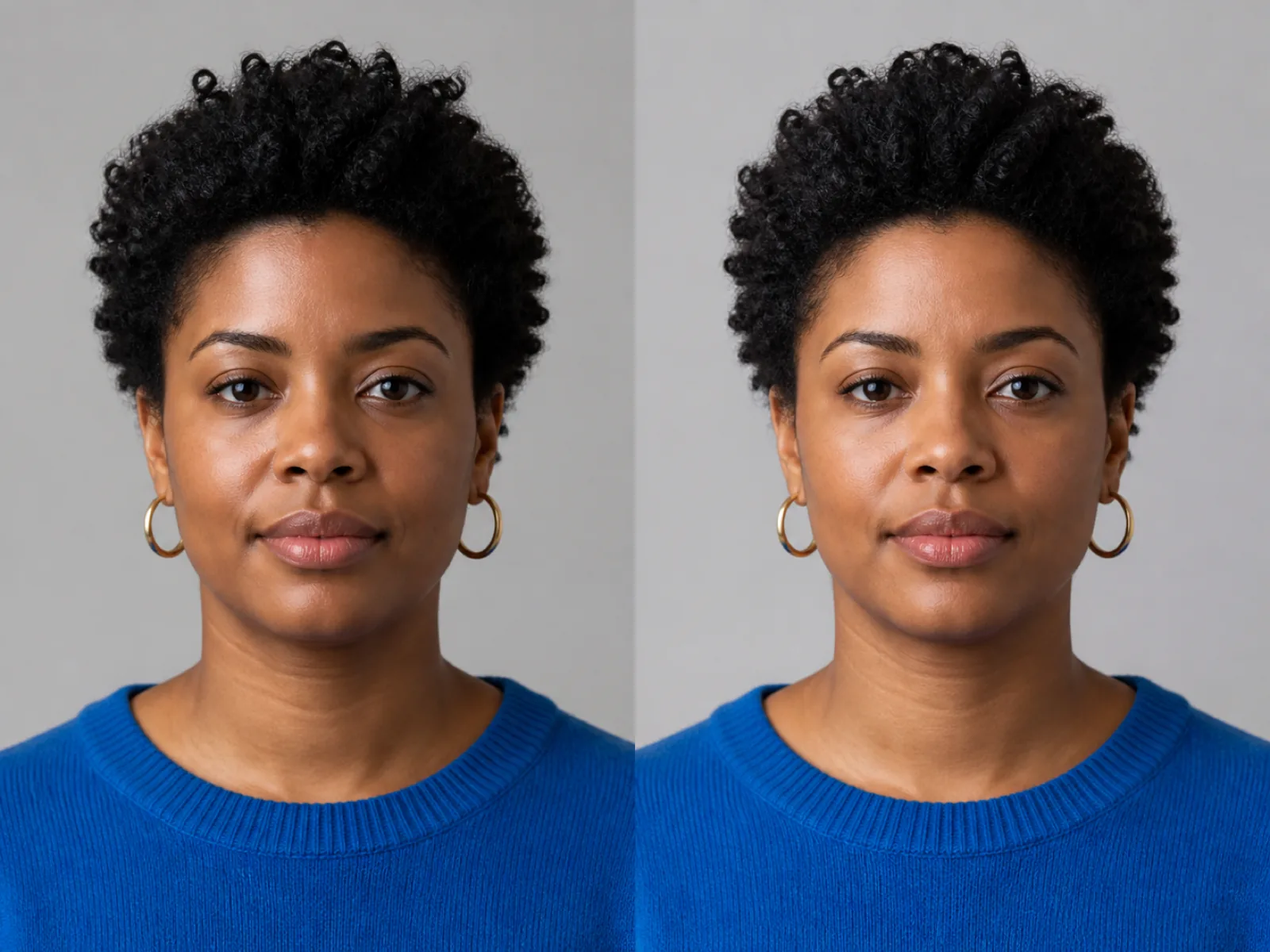
A swap does not paste a cut-out head. The model takes the identity from the face photo — the features and their proportions — and renders it at the angle, expression and lighting of the face already in the target photo. Hair, neck, clothing and background all stay from the target.
It works best when the two faces are at a similar angle. A straight-on source face and a sharply turned target face give the model much less to work from, and the result starts looking like neither person.
Target first — that is the scene, pose and lighting you are keeping.
Detection boxes every face in the target; tap the one you want replaced.
Match the target skin and lighting, then check the jawline and hairline in the result.
Group photos are boxed face by face, so you replace exactly one.
The new face is relit toward the target scene instead of carrying its own light direction.
Natural, match target skin or keep source lighting, for different source-target pairs.
How far the identity is pushed, from a subtle likeness to a full replacement.
Replace the one shot where a family member blinked with their face from another frame.
Put yourself into a styled scene you never shot.
Keep one face across a series of generated images for a project.
Only with their consent. Using someone’s likeness to impersonate them, to mislead people, or to make sexual or defamatory images is prohibited here and illegal in many places. Swap your own face, or a face you have permission to use.
The target photo is the one you keep — its pose, clothes, lighting and background stay. The face photo only supplies the face.
Usually the angles disagree. Use a source face at a similar angle to the target, turn on lighting match, and avoid sources with heavy shadows across the face.
Yes. Detection boxes every face it finds and only the one you select is replaced; the others come through untouched.
Hair comes from the target photo. Glasses and facial hair follow the source face, which is why a source without glasses on a target wearing them can look inconsistent around the eyes.
Upload the target and the face, pick who gets replaced and run it.