Scan or upload the photo
Flat, even light and no phone shadow across the print. Straighten it before uploading.
Give an old black-and-white photo natural color — and tell the model the colors you already know.
Start Creating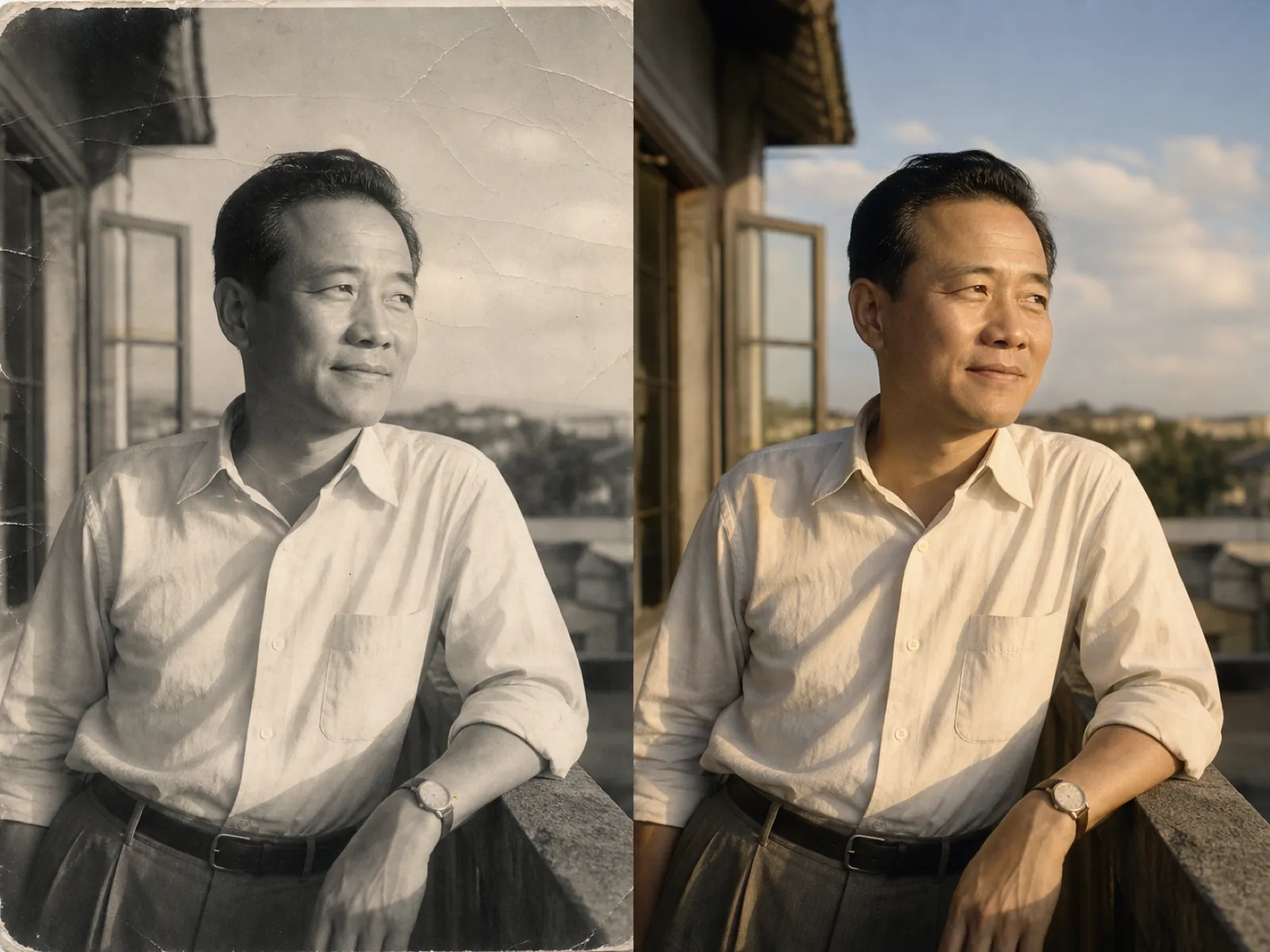
A black and white negative recorded brightness, not color. Anything that adds color is inferring it: the model has learned what skin, sky, foliage, brick and common fabrics usually look like at a given brightness, and paints accordingly. It gets the ordinary things right most of the time.
What it cannot know is the specific: the color of one particular dress, a uniform, a painted door. That is what the hints field is for — naming those colors moves the result from a plausible picture to the picture you remember.
Flat, even light and no phone shadow across the print. Straighten it before uploading.
Type the colors you remember. Two or three specifics change the whole result.
Natural for family photos, documentary for historical scenes, vivid when it is going on a wall.
Name the colors you know and the model paints those areas to match instead of guessing.
Film stocks and clothing palettes differ by decade, and the output follows the period you pick.
Scratches, dust and creases are cleaned before color, so damage does not get painted in.
From restrained natural tones to a vivid treatment, without changing what is in the frame.
Grandparents and childhood photos that only ever existed in black and white.
A single photo enlarged and colored for a frame or a service booklet.
Archive scenes that read as distant in black and white and immediate in color.
They are an informed guess, not a record. Skin, sky and foliage are usually close; specific clothing and painted objects are the model choosing something plausible. Use the hints field for anything you actually know.
Add it to the hints — for example "the coat is dark green, not brown" — and run again. Each run is independent, so nothing is lost.
Yes. Sepia is treated as a single-tone image, and the tint is removed before the color pass so it does not push everything warm.
Faces are what these models handle best, provided the print is in focus. Very small or heavily damaged faces are worth repairing and upscaling first.
The repair option cleans scratches, dust and light creases before coloring. Torn prints and missing corners are a bigger job than this page does.
Upload the scan, name the colors you remember and bring it back.