Upload a photo
A portrait, pet or product shot where the subject is clearly in front.
Keep the subject sharp and blur what is behind it, the way a wide-aperture lens would.
Start Creating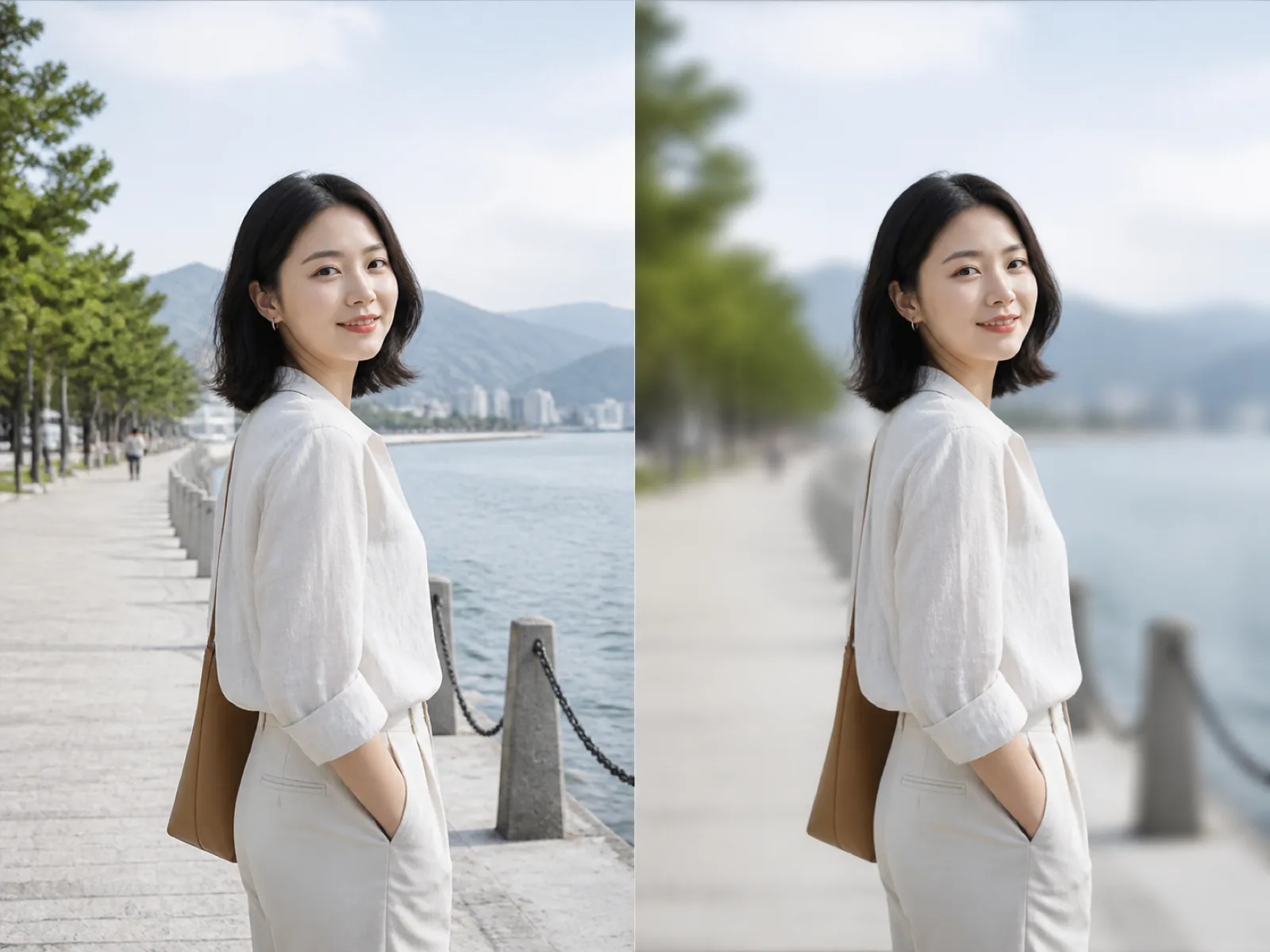
A wide aperture lens keeps the subject sharp and lets everything behind it fall out of focus, which is why portraits shot on a fast lens pull your eye straight to the face. Phone cameras approximate the same effect with a depth map.
This tool builds a mask of the subject, blurs everything outside it and feathers the transition so the cut does not show. Gaussian is an even softening, bokeh renders bright points as soft discs the way a real lens does, and motion smears the background in one direction.
A portrait, pet or product shot where the subject is clearly in front.
Pick gaussian, bokeh or motion and slide the strength until the background stops competing.
Export at the original size or a smaller long edge for the web.
Even gaussian softening, lens-like bokeh discs, or a directional motion smear.
From a light separation to a fully abstract background, on one slider.
Set how gradually the blur begins so the subject outline does not look stamped on.
The subject pixels are copied back from the original file, so the face stays exactly as shot.
Push a crowded street or a full room out of focus and keep the attention on the face.
A clean, calm frame for a work profile or a meeting avatar.
Soften a messy desk behind the item you actually want people to look at.
Gaussian softens everything evenly. Bokeh grows bright points into soft discs, which is what a real lens does at a wide aperture, so it looks more photographic on night and backlit shots.
For portraits, somewhere around 30 to 50 percent usually separates the subject while the location is still readable. Push higher when the background is visually noisy.
Keep the edge feather on medium or high and leave edge protection on. Both widen the transition zone so strands blend into the blur instead of ending on a hard line.
No. Only the pixels outside the subject mask are filtered. The subject is written back from the original image.
This page blurs everything behind the subject. Masking a single region, like one face in a group photo, is not part of this tool.
Upload an image, choose a blur style and download the result.