Up to five family members
Upload one portrait per family member for a group composition.
Upload up to five clear family portraits and create a polished AI-generated family photo in a shared scene.
Start Creating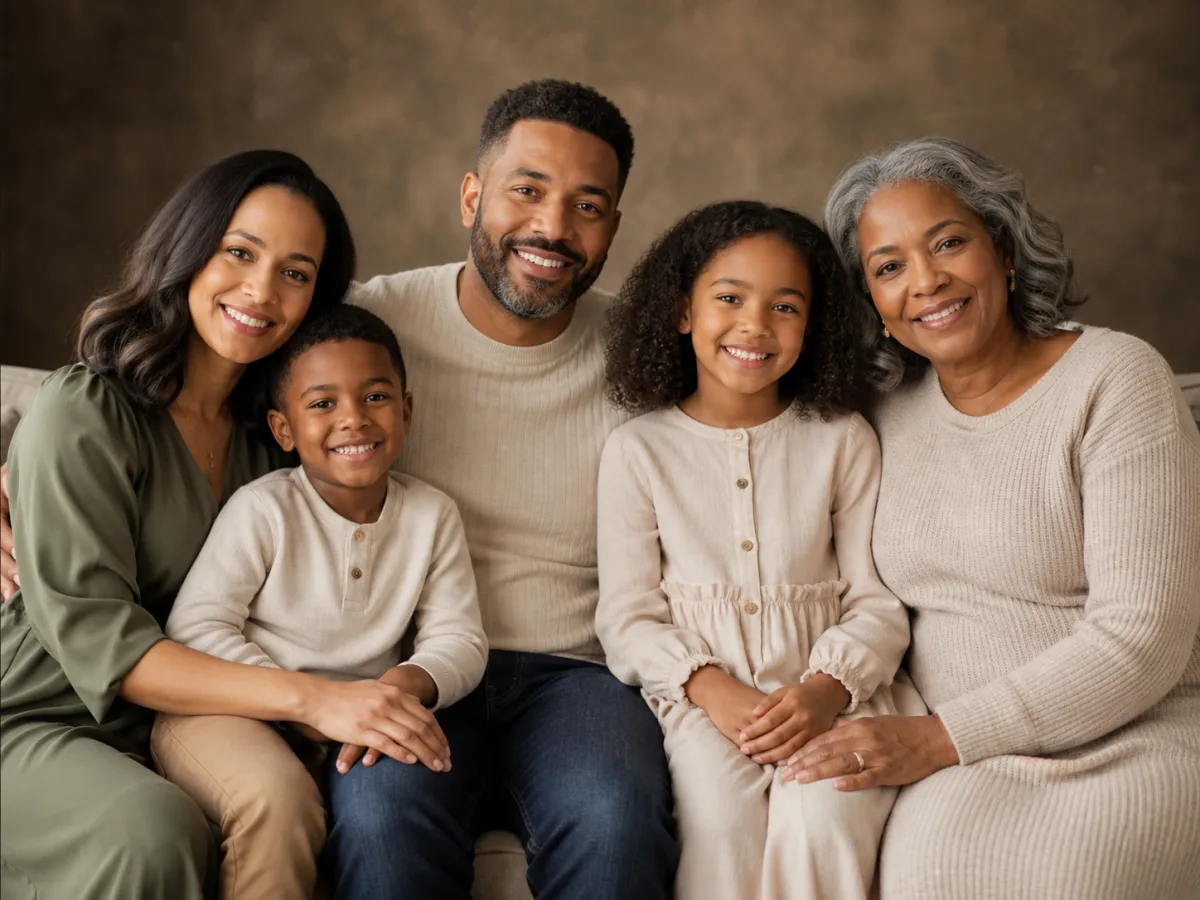
An AI family photo generator combines up to five individual portraits into one cohesive family portrait. It creates a shared pose, setting, lighting direction and color treatment so the result feels like a photographed family session.
Use it to create a meaningful family keepsake, to explore a celebration concept before an actual photoshoot, or to generate a portrait when scheduling everyone in one place is difficult.
Upload one portrait per family member for a group composition.
The generator creates one shared setting with consistent lighting.
Explore casual, formal and celebration-style group arrangements.
Preview holiday, outdoor and classic family scenes.
Create a meaningful family portrait for a special occasion.
Explore scenes and outfits before booking a real family shoot.
Use AI-generated portraits to mark anniversaries or family milestones.
Upload up to five clear portraits — one per family member. This page uses the five-reference-image generator.
AI results vary. Clear source photos generally improve consistency.
Sharp, front-facing portraits with visible features work best for each family member.
Yes. Upload up to five portraits per generation or family group.
Check the platform terms. Results are suitable for personal use.