Two distinct references
Use one portrait for each person so both faces can remain separate subjects.
Upload one clear photo of each person and create a polished couple portrait in a shared scene.
Start Creating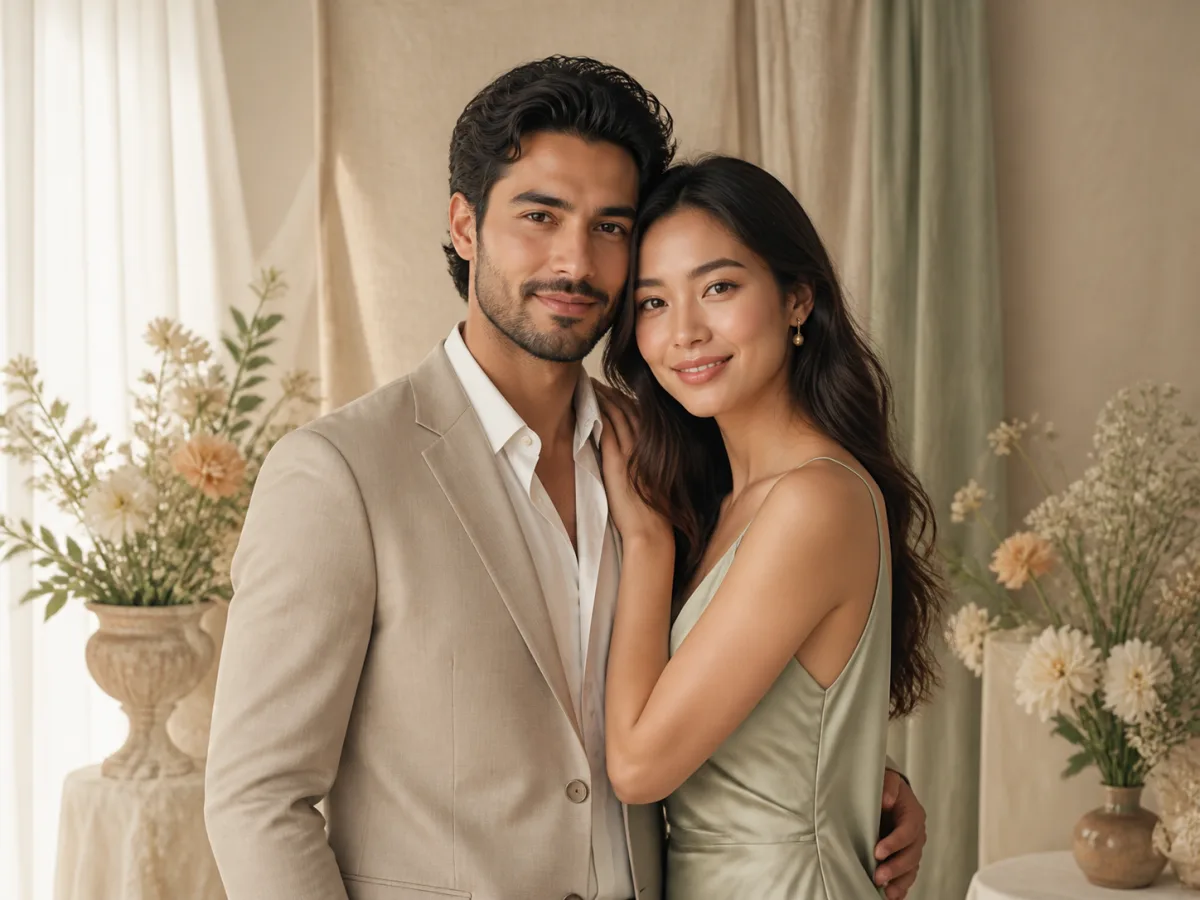
An AI couple photo generator combines two separate portraits into one cohesive image. It creates a shared pose, setting, lighting direction and color treatment so the result feels like a planned photoshoot rather than two photos placed side by side.
Use it to explore anniversary portraits, pre-wedding concepts, matching profile pictures or travel-inspired scenes. For stronger likeness, upload one well-lit adult portrait per person with facial features unobstructed.
Use one portrait for each person so both faces can remain separate subjects.
A unified lighting direction and grade help the couple feel present in one scene.
Explore close portraits, walking shots, formal poses and relaxed moments.
Preview studio, pre-wedding, city-night, seaside and vintage concepts.
Create a polished image without coordinating a complete photoshoot.
Compare outfits, locations and moods before choosing a real shoot direction.
Make coordinated avatars, posts and digital invitations.
Use two images: one clear portrait of each person. This page uses the two-reference-image generator.
Yes. Similar angles and clean lighting usually help the generator unify them.
Use sharp portraits without sunglasses, masks, hands or hair covering key facial features.
Yes. Choose a romantic studio, pre-wedding, seaside or city style.
AI results vary. Clear reference photos generally improve consistency, but review each output carefully.