Upload a photo
Front-facing, with the clothing you want to replace fully in frame.
Put a different outfit on the person in your photo — pick a style or describe it, and the face and pose stay exactly as shot.
Start Creating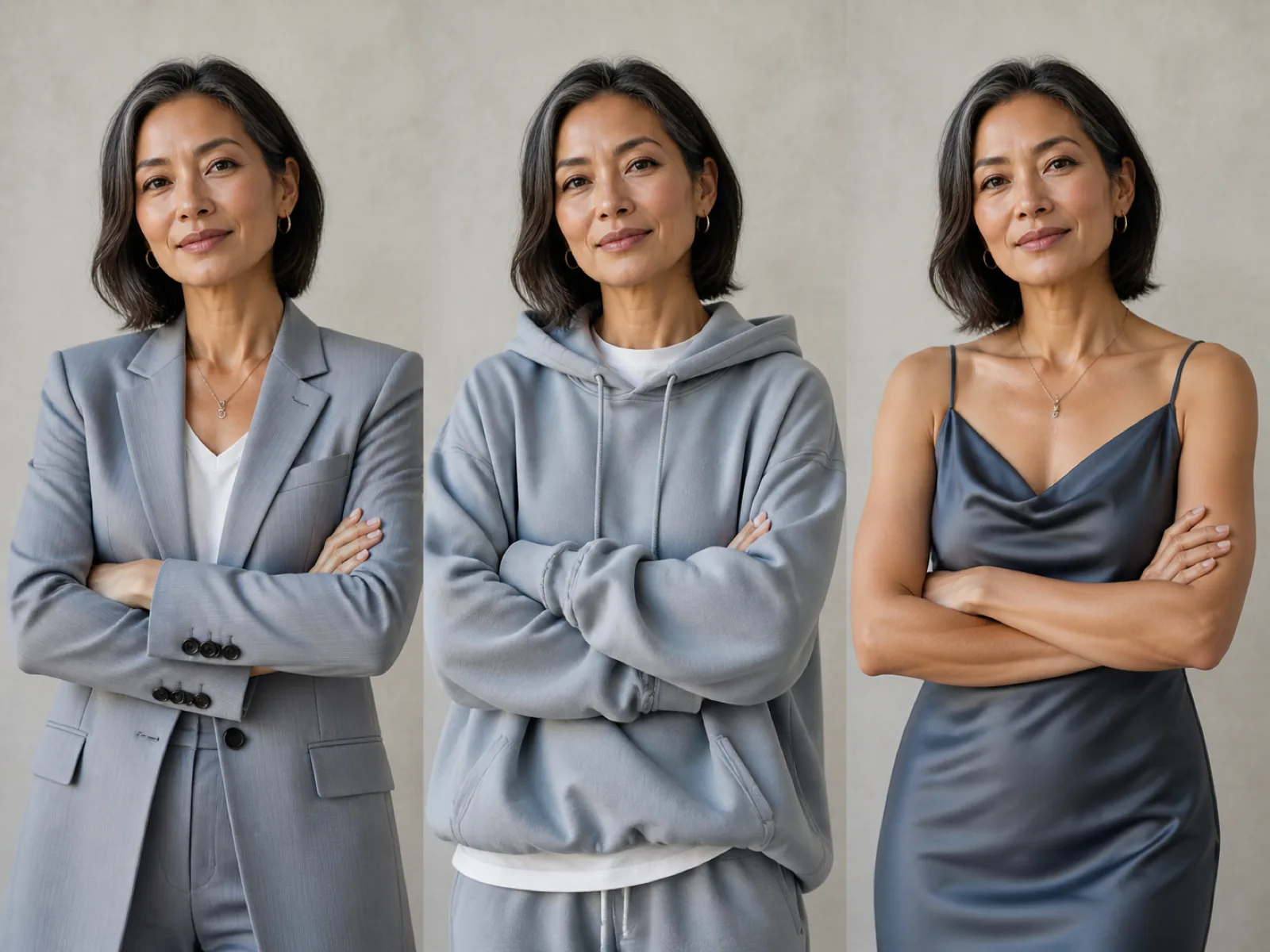
The tool keeps the photo and redraws one region of it. You mark the upper body, the lower body or the whole outfit, choose a style or describe what you want, and only those pixels are regenerated — the face, the hair, the hands and the background stay as they were shot.
What comes back is an outfit in that style, not a specific product. If you need the exact shirt from a listing, with its print and logo intact, that is a different job and a different model — use virtual try-on for it.
Front-facing, with the clothing you want to replace fully in frame.
Upper body, lower body or the full outfit, then a style — or type the outfit you want.
Run a few variants, keep the one where the fit and lighting look natural.
Change the top only, the bottom only, or the whole outfit in one pass.
Tap a preset when you are quick, write the garment out when you are picky.
Face, hair and pose are excluded from the redraw so the person stays recognisable.
Generate up to four takes at once and pick the one that sits best.
A good photo taken on a weekend, dressed for the job you are applying to.
See a style on yourself before buying into it.
One shoot, several wardrobe versions for different campaigns.
This changes clothes to a style — a business jacket, a streetwear hoodie. Virtual try-on puts one specific product on the person and keeps its print, color and logo. Different models, different jobs.
With identity preservation on, the face, hair and pose are outside the redrawn region. Only the marked garment area is regenerated.
Usually the region is too small or too large for the body. Switch between upper body and full outfit, and prefer photos where the whole garment is visible and not cropped.
Yes. The description field overrides the preset — name the garment, the fabric and the details you care about.
It redraws whatever is inside the marked region. With two people close together, expect the edit to bleed; handle them one photo at a time.
Upload a photo, pick a style and keep everything else as shot.